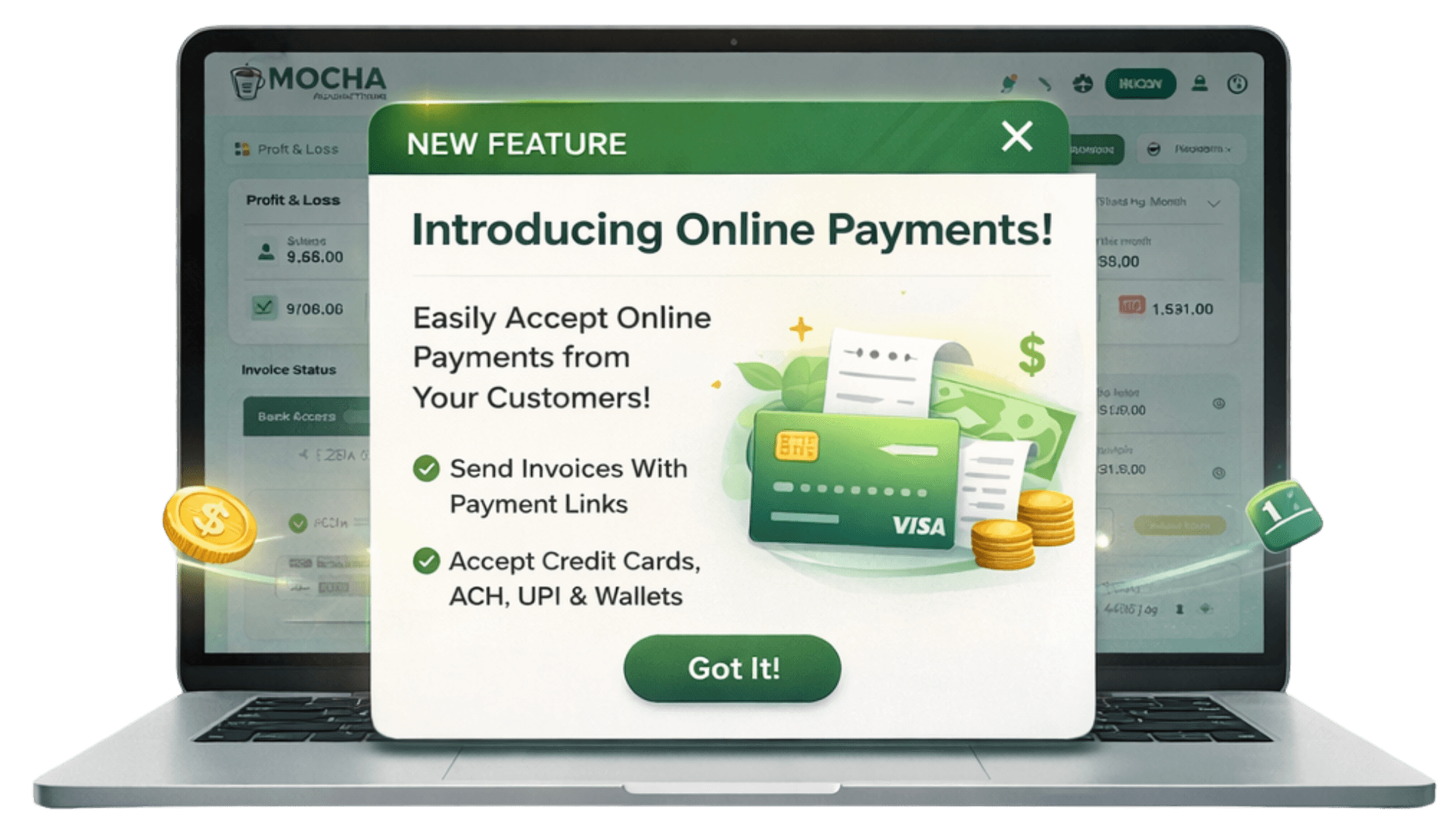


Highly Recommended Winter 2024

Rated highly by verified users

Trusted by businesses worldwide
Top-rated accounting platform
We meet the highest security standards
Highlights
Still chasing payments manually?
Getting paid should be simple. For many businesses, this process is still manual and cumbersome. This causes wide-ranging issues across businesses of all sizes.
Late payments
When customers delay payment, the business has to wait longer to access working capital. This delay can slow down day-to-day operations.
Manual reconciliation consumes time
Manually matching receipts to invoices creates duplicate work and increases the risk of errors.
No real-time view of payment status
When payment tracking is manual, your team will not always know the correct payment status of an invoice. This leads to hesitation in follow-up or repeated messages to customers who have already paid.
Too many tools create extra work
Several businesses use separate tools for tasks such as invoicing, payment collection and banking. That breaks the flow of work and wastes valuable time.
Mocha Accounting solves this by bringing invoicing, online payment collection, payment tracking, and bank matching into one connected setup. Instead of moving between separate systems, your team can manage the entire payment cycle from a single place.
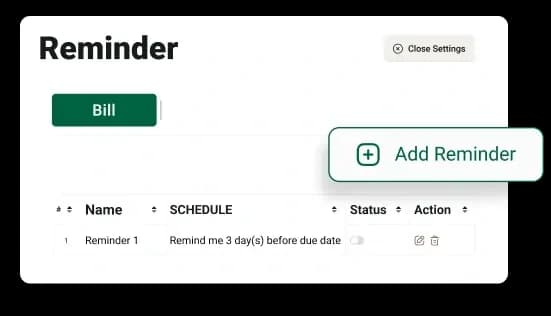
An online payment solution built into your accounting
Mocha Accounting gives businesses a connected workflow. Our platform helps you collect, track, and manage payments while keeping invoice records and transaction tracking linked to day-to-day accounting.
Accept payments in-store
Online payments are only part of the picture. Many businesses also deal with walk-in customers or on-ground collections. Mocha Accounting enables you to accept in-store payments using modern methods such as QR codes and Tap-to-Pay (SoftPOS). This helps businesses manage both online and offline collections through one connected payment workflow.
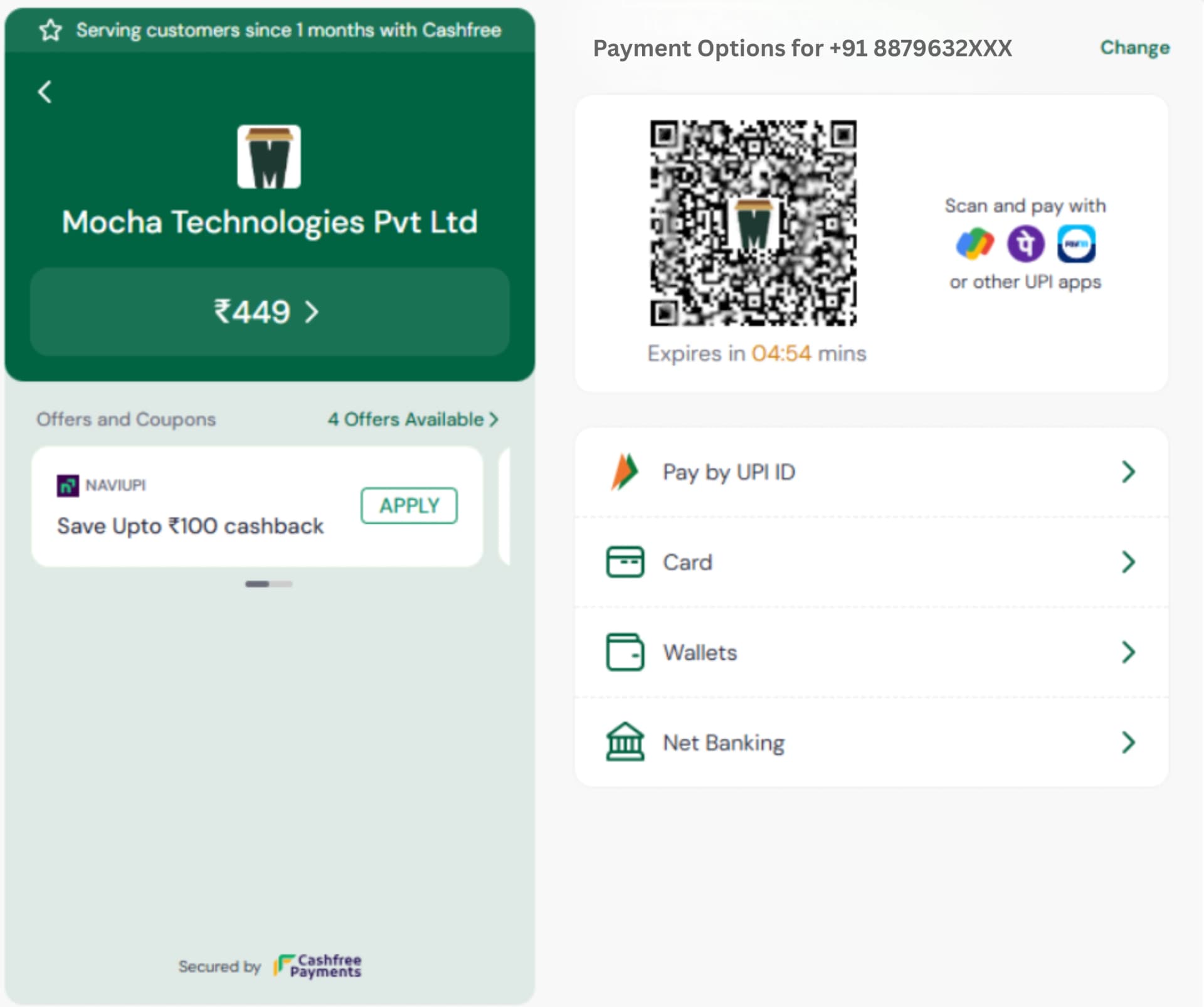
Collect at the invoice level
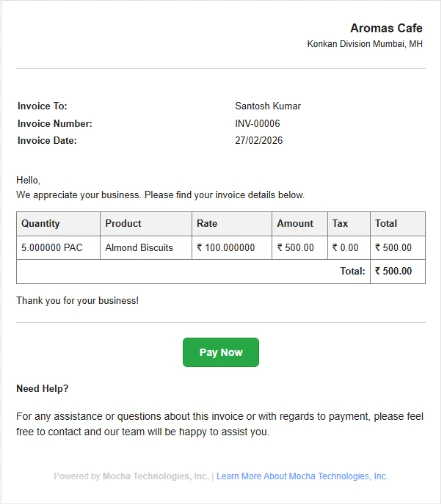
Payment collection works better when the invoice itself becomes the payment entry point. That removes extra steps for both the customer and your team. With Mocha Accounting, you can send customers payment details linked to specific invoices so customers can pay directly. This shortens the time between invoice issuance and payment receipt, helping you collect faster without manual follow-up from the start.
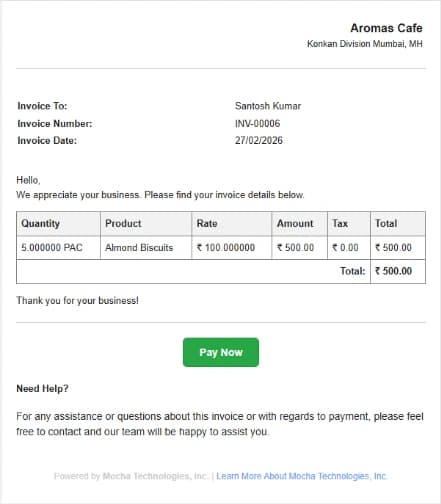
Track payments automatically
Mocha Accounting automatically records payments against invoices, so your team does not need to re-enter payment data once the payment comes in. This helps keep books updated and saves time across billing and accounts.
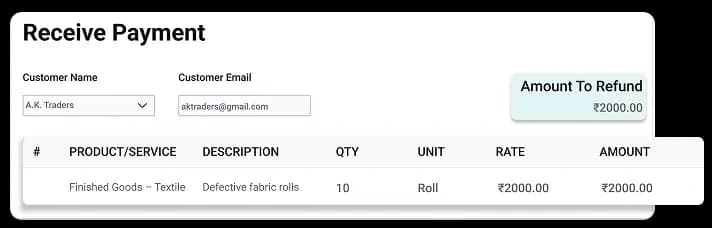
View payment status in real time
A live status view changes how teams work. Instead of waiting for the end-of-day checks, they can see what happened the moment a customer pays. Invoice status updates, such as paid, part paid, or pending, help your sales, finance, and admin teams act faster. They can follow up on the right invoices and stop chasing customers who have already settled the bill.
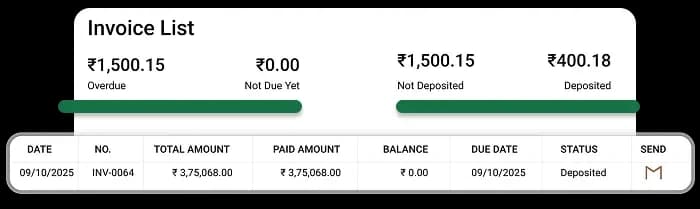
Process refunds with ease
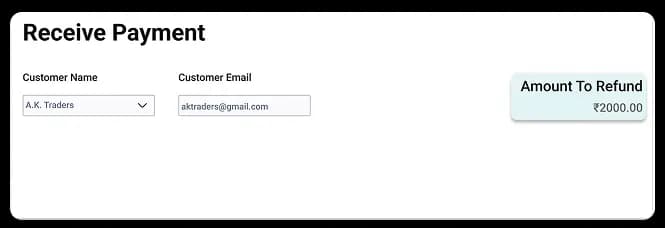
Refunds are part of normal business. Mocha Accounting helps you handle full or partial refunds within the same accounting environment. That helps keep customer records, payment records, and invoice history in step without extra manual adjustments outside the system.
Collect through a protected payment setup
Customers need trust when they pay online. Mocha Accounting connects with Cashfree for payment collection. This gives businesses a known and trusted payment partner for digital transactions.
Get started with online payments in minutes
Get started is simple and does not require any technical expertise. Here's how to get onboarded with Cashfree and activate online payments.
Step 1: Open payment setup in Mocha
Go to Settings >> Integration >> Setup in your Mocha account. Then click the Setup button on the Cashfree card to begin merchant onboarding.
Step 2: Accept the terms and start onboarding
Tick the checkbox to agree to the terms and conditions and authorise the Cashfree connection. Once you click Next, the onboarding flow moves to the account details stage.
Step 3: Add owner details
Enter the owner details required for the merchant account. This includes Owner Name, Owner Email, Phone Number, PAN, and Website URL.
Step 4: Enter business details
Fill in your business information to continue the application. This includes Business Legal Name, Business Type, Business Category, Business Sub Category, Business PAN, Business GSTIN, Business CIN, and Business Address.
Step 5: Add settlement bank details
Enter the bank account details where you want settlements to be received. You will need to provide the Bank Account Name, Account Number, Account Type, and IFSC Code.
Step 6: Upload the required documents
Choose the document type from the dropdown list, then upload all required files for verification. Once all documents have been uploaded, click Submit to complete your merchant onboarding application.
Step 7: Wait for review and approval
After submission, Cashfree reviews the merchant application and checks the details provided. This approval process usually takes 48 to 72 hours.
Step 8: Start accepting payments
Once the application is approved, the merchant status in Mocha Accounting changes to Active. At that point, you can start collecting payments online directly through your invoices.
Why businesses choose Mocha for online payments
Easier sales
Customers can pay via several commonly preferred payment methods, making transacting easier.
Faster payment collection
You don't need to continuously follow up for payment.
Less manual reconciliation
Payments are linked to invoices, which reduces the reconciliation required.
Real-time financial visibility
Payment statuses update instantly, so teams are always working with the latest information.
Protected transactions
Payment collection is via a trusted payment gateway.
Better cash flow
Faster and more predictable collections help the business plan expenses more effectively.
Perfect for every business type
Retail stores
Retailers often issue many invoices and need to collect payments faster, both at the counter and after delivery. Digital payment links and faster status updates help reduce waiting and improve collections.
Service providers
Agencies, consultants, repair firms, and local service businesses often bill clients after work is completed. Online payments help them collect faster and keep invoice records in step with receipts.
Freelancers
Freelancers need a simple payment route without a heavy finance process. Invoice-linked payments help them bill clients, collect digitally, and track what is still pending through one system.
Distributors
Distributors handle many invoices and frequent repeat transactions. A connected payment flow helps their finance teams post collections faster and review large numbers of customer bills more easily.
Contractors and project-based firms
Builders, contractors, and project-based service firms often issue stage-based or milestone-based invoices. Online payments linked to invoice records help them review collections more quickly and keep finance teams updated on what has been received.
Payment Collection and Secured Payment
Mocha Accounting has partnered with Cashfree for online payment collection. Your business gets a trusted payment partner that handles digital transaction processing safely and securely.
No extra payment tool needed
Your business can manage digital payment collection within the same accounting setup, making operations easier.
Payment records are linked with invoices
Collections are easier to review when invoice details and payment activity are linked. This helps the accounts team work faster.
Accounting is synced with collections
When all financial workflows are integrated, your business has better control over finances.
Start collecting payments faster today
Mocha Accounting gives you a simpler way to collect payments, track invoice status, reconcile transactions, and keep your books updated from one place. If you want faster collections, better visibility, and less manual finance work, this is the right time to switch to a connected online payment system.